
.avif)
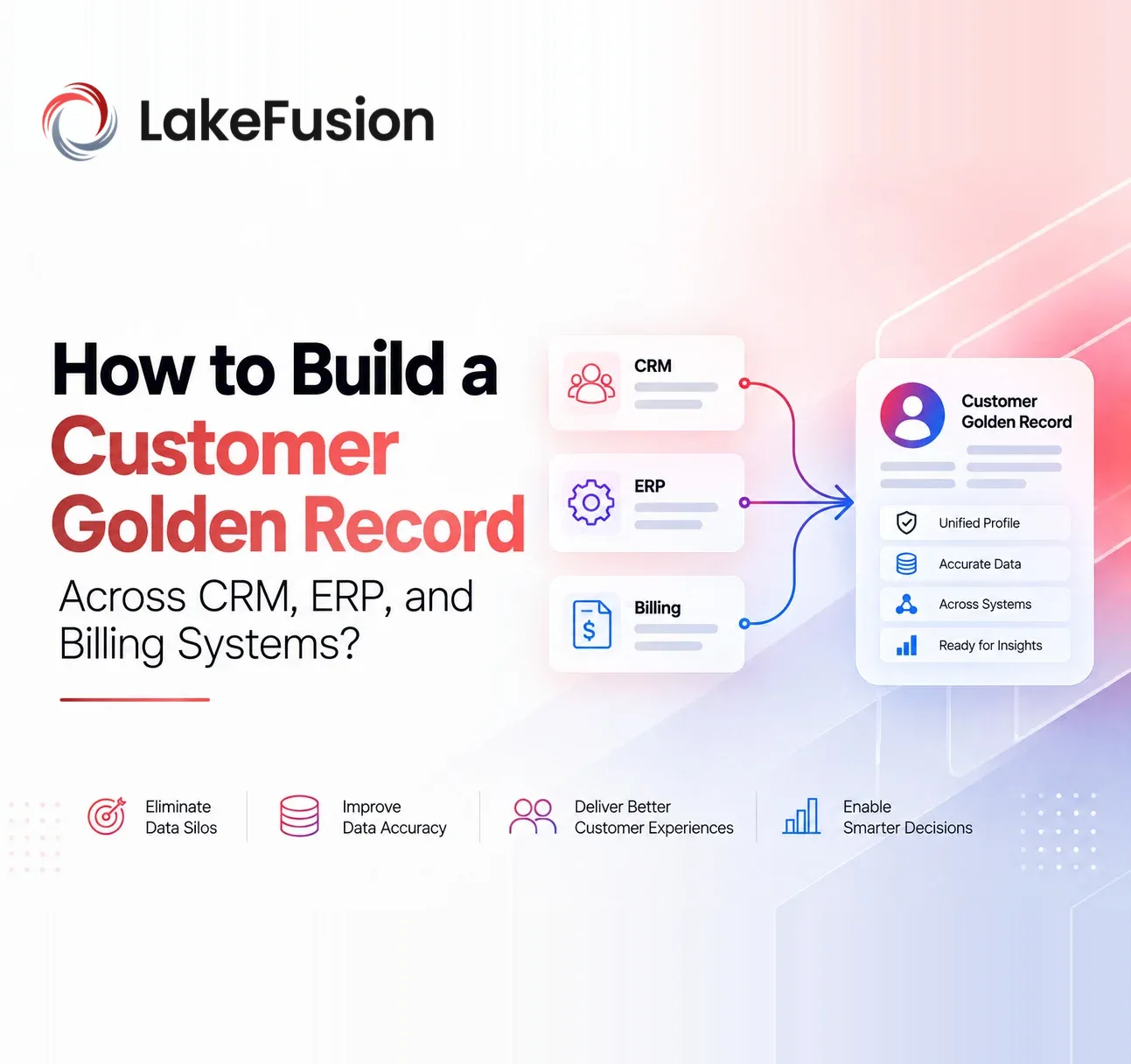
Customer details almost never sit in just one system. Your CRM holds the newest sales notes and account info. The ERP keeps legal customer names, operational IDs, and shipping details.
Billing systems track invoice addresses, payment links, and transaction accounts. The same customer often shows up multiple times under different names, IDs, addresses, or company setups. Dumping everything into one central spot doesn't give you a reliable customer picture.
You build a customer golden record by sorting out those scattered pieces, matching them properly, setting clear rules, and pulling them into one solid customer identity. You also keep the trail back to every system that fed the data.
For data teams in larger companies, this becomes the foundation for solid customer master data: a full Customer 360 view that brings customer info, analytics, and data AI can actually use together.
What Is a Customer Golden Record?
A customer golden record is the official version of a customer, built by pulling trusted pieces from different source systems.
It does not mean picking one CRM, ERP, or billing entry and calling it the right one.
Master Data Management determines which records point to the same customer, reviews conflicting details, applies rules for which value wins, and builds one master identity. It still keeps the links to the original records.
A customer golden record can hold:
- Legal customer name
- Customer identifiers
- Primary and billing addresses
- Contact information
- Account status
- Business classification
- Corporate parent
- Subsidiary relationships
- Source lineage
- Match and confidence information
You end up with a customer identity that apps, reporting teams, operations, and AI can all use the same way.
Why CRM, ERP and Billing Systems Create Fragmented Customer Data
CRM, ERP, and billing tools each support different parts of the business. So each one grabs a different slice of the customer relationship.
Trouble starts when companies treat every record in those systems as if it stands for a completely separate customer.
CRM Focuses on Sales and Relationship Data
CRM systems usually handle accounts, contacts, opportunities, leads, and sales chats. They often have the freshest customer-facing details, but duplicates pop up quickly when salespeople open new accounts without checking whether the company already exists elsewhere.
ERP Holds Operational Customer Information
ERP systems usually store legal names, operational customer IDs, shipping spots, classifications, and the details needed to run transactions. Some of this data is very solid for certain fields but missing pieces in others.
Billing Systems Represent the Financial Relationship
Billing platforms keep invoice accounts, billing addresses, financial IDs, and transaction links. One actual customer can have several billing accounts, so it is risky to treat every billing record as its own separate customer.
To bring customer data together properly, you need a mastering step that respects these differences before you try to combine anything.
How to Build a Customer Golden Record Across CRM, ERP and Billing
Building a solid golden record takes a clear set of steps. Teams must map their sources, clean up the data, sort out who is who, link related records, choose which details stick, and keep rules and oversight in place the whole time.
1. Identify Customer Sources and Critical Attributes
First, list every place customer information currently lives. For each system, note both the customer records and the specific details that system supplies.
For example:
CRM may provide:
- Account name
- Contact details
- Sales owner
- Opportunity status
- Customer-facing information
ERP may provide:
- Legal entity name
- ERP customer ID
- Operational address
- Shipping information
- Business classification
Billing may provide:
- Billing account ID
- Invoice address
- Payment relationship
- Financial identifiers
This list shows which fields overlap, where the conflicts sit, and which system should usually win for each detail type.
2. Profile and Standardize Customer Data
Look at the records carefully before you start matching. Data teams need to spot:
- Missing values
- Duplicate patterns
- Abbreviations
- Spelling variations
- Inconsistent addresses
- Outdated information
- Invalid identifiers
- Formatting differences
For example:
ABC Technologies Inc.
ABC Technologies Incorporated
ABC Tech
could all be the same company.
Cleaning the data makes comparison easier by lining up names, phone numbers, addresses, domains, IDs, and other fields in the same format.
But cleaning alone does not tell you if the records really belong together. You still need customer entity resolution for that.
3. Resolve Customer Identities Across Systems
Customer entity resolution determines which CRM, ERP, and billing records point to the same real customer. A practical matching approach usually mixes several methods instead of sticking to just one.
Deterministic Matching
Strong IDs can settle the easy cases.
For example:
Tax ID + Country = Match
or:
Verified business identifier = Match
This kind of rule is useful because it is clear and easy to explain.
Similarity Matching
Exact rules fall short when records have short forms, spelling differences, or address variations. Similarity matching checks how close the values look to each other.
Probabilistic and AI-Assisted Matching
Tougher cases often need several clues looked at together. A record might show:
- A similar company name
- A partly matching address
- The same domain
- No shared internal customer ID
Probabilistic and AI-assisted methods weigh those clues together and help decide how likely it is that the records belong to the same customer. Clear matches can run automatically. Uncertain ones go to a person for review.
4. Match and Merge Related Customer Records
Once you know which records belong to the same customer, you link them to one mastered customer identity. People often call this match and merge. The key point is that the original records do not have to vanish.
CRM, ERP, and billing records can stay where they are and simply point to the golden record.
For example:
CRM Record 1482
ERP Customer 7749
Billing Account 22031
→ Customer Golden Record 10027
Downstream teams get one customer to work with while still being able to trace every source that is fed into it.
5. Apply Survivorship Rules to Select Trusted Values
Matching tells you which records go together. Survivorship decides which details should stand for the customer. Imagine CRM, ERP, and billing each list a different address.
Instead of picking one whole record as the winner, you can set rules at the field level such as:
- ERP wins for legal company name
- CRM wins for primary contact information
- Billing wins for invoice address
- Most recently verified source wins for telephone number
Survivorship can rest on:
- Source authority
- Recency
- Completeness
- Confidence
- Validation status
- Business rules
- Steward decisions
The customer golden record can then pull the strongest pieces from several systems across the company.
6. Preserve Lineage and Stewardship
A golden record should never turn into a mystery box. Teams need to see where every important value came from and why a match or survivorship choice was made. Source lineage lets people trace mastered values back to CRM, ERP, billing, or any other contributing system.
People still need to step in for the unclear cases. Data stewards may have to:
- Approve or reject matches
- Correct attributes
- Unmatch incorrectly merged records
- Resolve exceptions
- Review conflicting information
This maintains a healthy mix of automated handling and human oversight, with clear rules.
Connect Customer Golden Records to Corporate Hierarchies
Getting a trusted customer identity only solves part of the puzzle for companies that sell to other businesses. A customer can sit inside a bigger company structure that includes:
- Parent companies
- Subsidiaries
- Regional entities
- Legal entities
- Business units
- Accounts
Three separate clean customer golden records can still belong to the same global group. If those links stay missing, teams can still get revenue, ownership, risk, and opportunity numbers wrong.
Hierarchy management ties the mastered customer identities to the company structures around them. Sales and analytics teams then get both a solid customer and the relationship picture they need to see the bigger group.
Customer Golden Record vs Customer 360
A customer golden record and Customer 360 sit close together but fix different parts of the customer data problem.
| Customer Golden Record | Customer 360 |
|---|---|
| Establishes trusted customer identity | Creates broader customer view |
| Built through MDM | Combines master, transaction and interaction data |
| Resolves duplicates | Adds activities and business context |
| Uses survivorship | Includes sales, billing, service and other data |
| Preserves source lineage | Supports broader customer analysis |
The golden record is the identity base. Customer 360 sits on top of that base and adds everything the company knows about that customer.
For example:
Customer Golden Record
- Sales opportunities
- ERP orders
- Billing transactions
- Support interactions
- Corporate relationships
= Customer 360
Without the solid identity underneath, a Customer 360 view can still mix duplicated or scattered customer activity.
How to Operationalize Customer Golden Records
A golden record only pays off when other systems and teams can actually use it. Trusted customer identities need to feed the apps, analytics, and people who make decisions with customer data.
Sales and Account Management
Sales teams can spot existing customers before opening another account and tie their activity to the right customer identity.
Finance and Reporting
Revenue and billing numbers can link to trusted customer entities instead of getting spread across duplicate accounts.
Customer Analytics
Analysts can work with mastered customer records instead of rebuilding deduplication and matching for every dashboard.
Customer 360
Transactional and behavioral data can attach to the same mastered customer identity, giving a more reliable company-wide picture.
AI and Agentic Workflows
AI systems need to know when several source records point to the same customer before they answer questions about revenue, activity, ownership, or relationships. A governed golden record supplies that identity context before AI starts working with the data.
Common Mistakes When Building a Customer Golden Record
Golden-record projects can still produce shaky results when people treat them like simple database cleanup jobs.
Declaring One System the Source of Truth for Everything
CRM, ERP, and billing systems usually own different pieces of the truth. Field-level survivorship is often more reliable than picking one system as always correct.
Using Only Exact Matching
Customer data naturally includes short forms, missing values, format differences, and old information. Exact matching alone leaves many duplicate identities unresolved.
Automatically Merging Every Possible Match
Wrong matches can hurt more than duplicates. Unclear cases need confidence levels and steward review instead of automatic combining.
Ignoring Customer Hierarchies
A clean individual customer record still leaves an incomplete B2B picture if parent and subsidiary links stay missing.
Treating Golden Records as a One-Time Project
Customer information keeps changing. New records land in CRM, billing details shift, companies merge, and relationships change. Customer mastering therefore needs ongoing matching, rules, and steward work.
Build Governed Customer Golden Records with LakeFusion
CRM, ERP, and billing systems do not have to hold identical customer records. They need a trusted mastering layer that can figure out which records belong together, which details should stay, and how those customers connect to the rest of the company.
LakeFusion Master Data Management helps companies sort out scattered customer identities, run match-and-merge logic, build governed golden records, keep source lineage, support stewardship, and manage customer relationships on Databricks.
The result is more than a tidier customer database. It creates reusable customer master data that can support Customer 360, reporting, operations, analytics, applications, and AI.
Ready to Build a Trusted Customer Golden Record?
Turn scattered CRM, ERP, and billing records into governed customer identities with LakeFusion.
Explore LakeFusion Master Data Management
Frequently Asked Questions
What is a customer golden record?
A customer golden record is the official version of one customer that you create by sorting out and combining records from systems such as CRM, ERP, billing, and other company sources.
How do you create a customer golden record?
The steps cover finding the sources, checking the data, cleaning it up, resolving customer identities, matching and merging, applying survivorship rules, keeping lineage, adding stewardship, and managing hierarchies.
What is the role of customer entity resolution?
Customer entity resolution figures out which scattered records belong to the same real customer so CRM, ERP, and billing records can sit under one trusted identity.
Is a customer golden record the same as Customer 360?
No. A customer's golden record sets up the trusted identity. Customer 360 builds on that identity by adding sales, transactions, billing, interactions, relationships, and other customer details.
Can customer golden records support AI?
Yes. Governed customer identities reduce confusion by giving AI systems consistent customers and relationships, instead of forcing them to sort through duplicate and conflicting source records on their own.

Accelerate your edge with LakeFusion insights
Get practical perspectives on master data, governance, and building scalable, AI-ready data foundations.